FITNESS
Put it on your home screen
There's nothing to download from an App Store. You add this page to your home screen once, and from then on it opens and behaves like any other app on your phone.
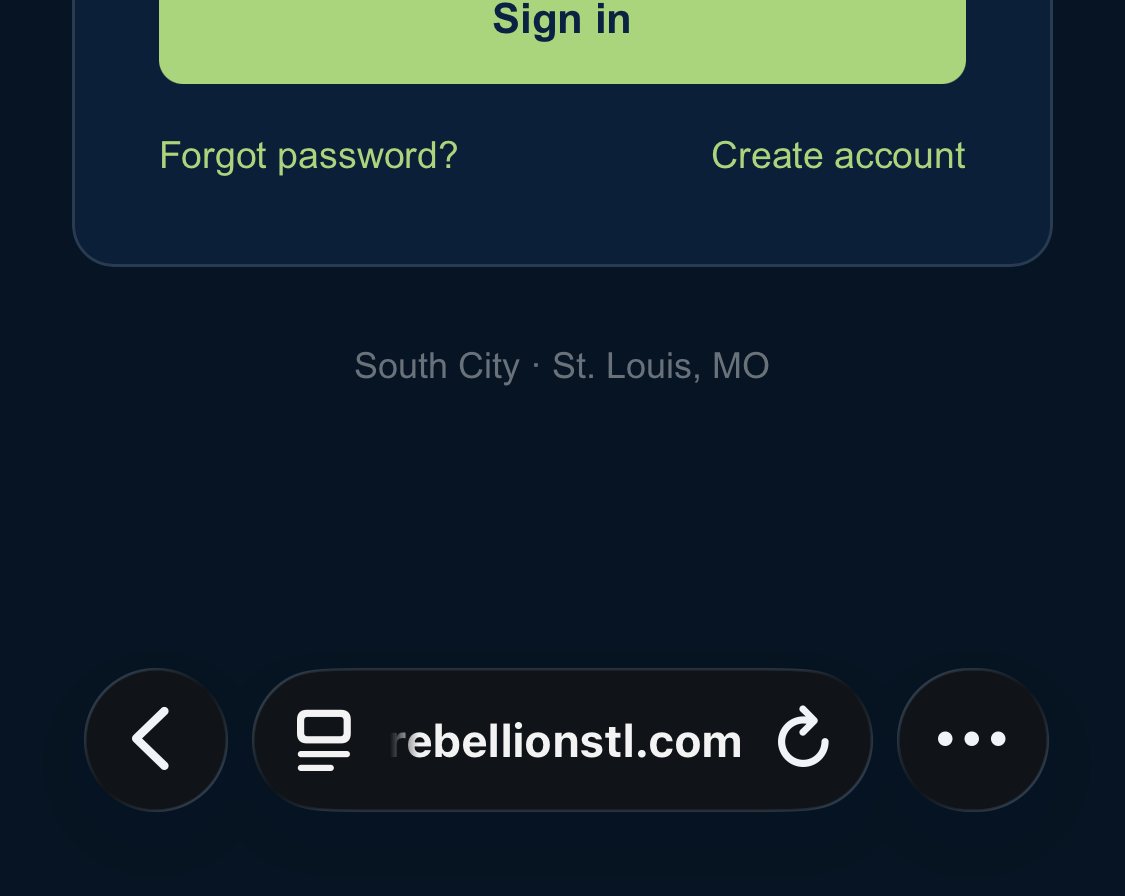
- In Safari, tap the three dots at the bottom right. If your iPhone shows a share icon there instead (a square with an arrow coming out of the top), tap that and skip to step 3.
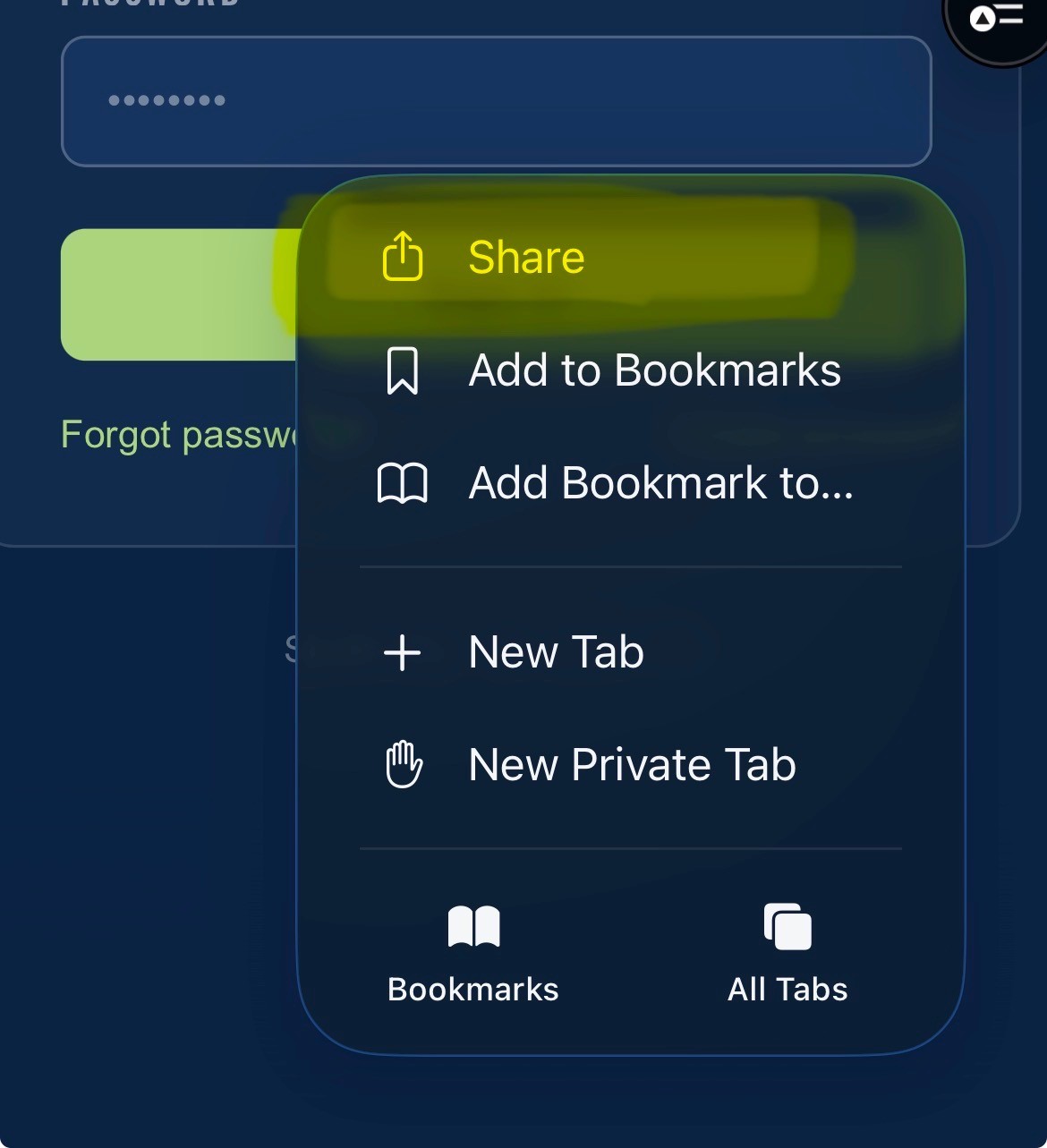
- Tap Share, at the top of the menu.
- Tap Add to Home Screen. You may have to scroll the list a little to find it.
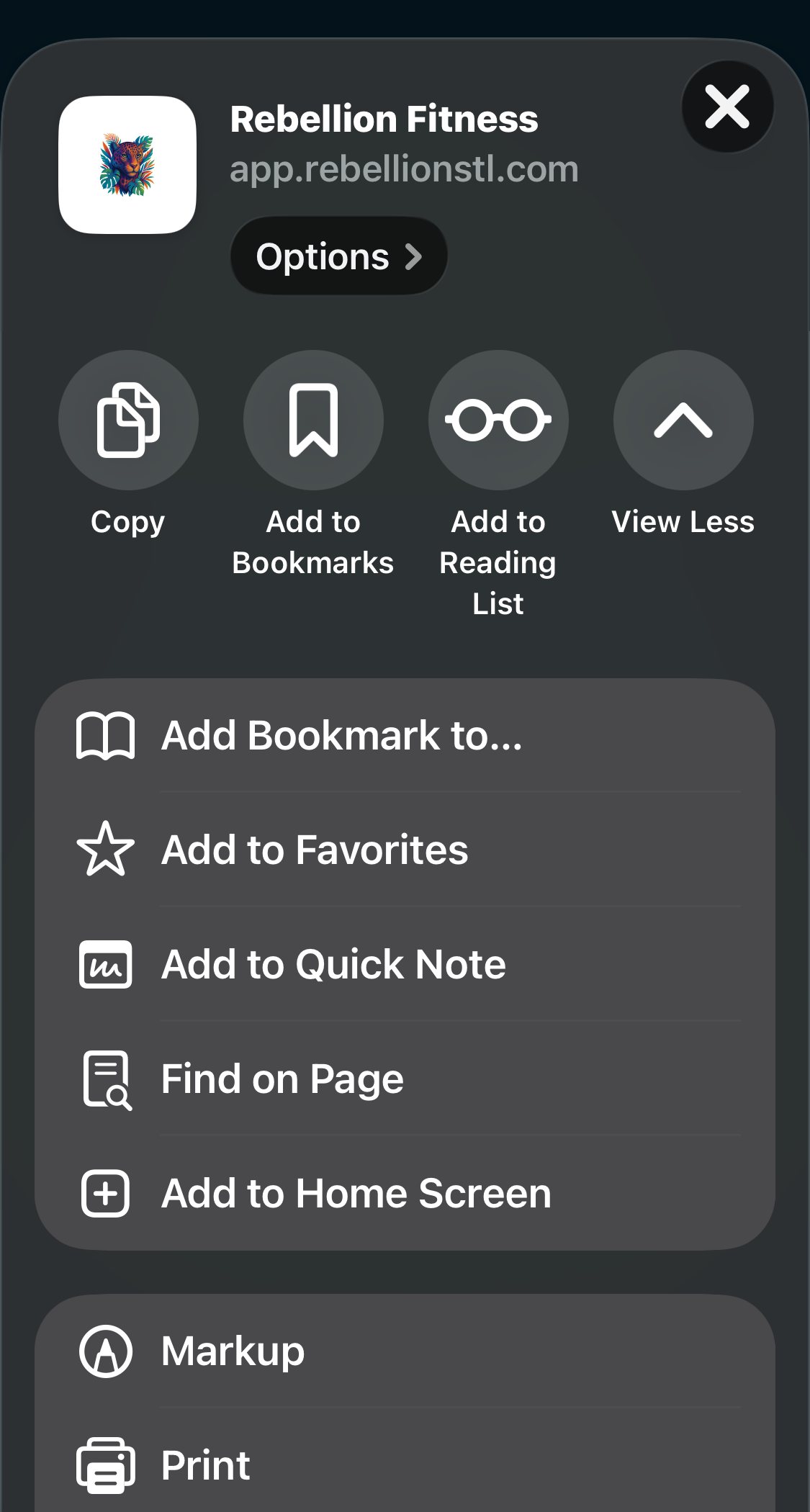
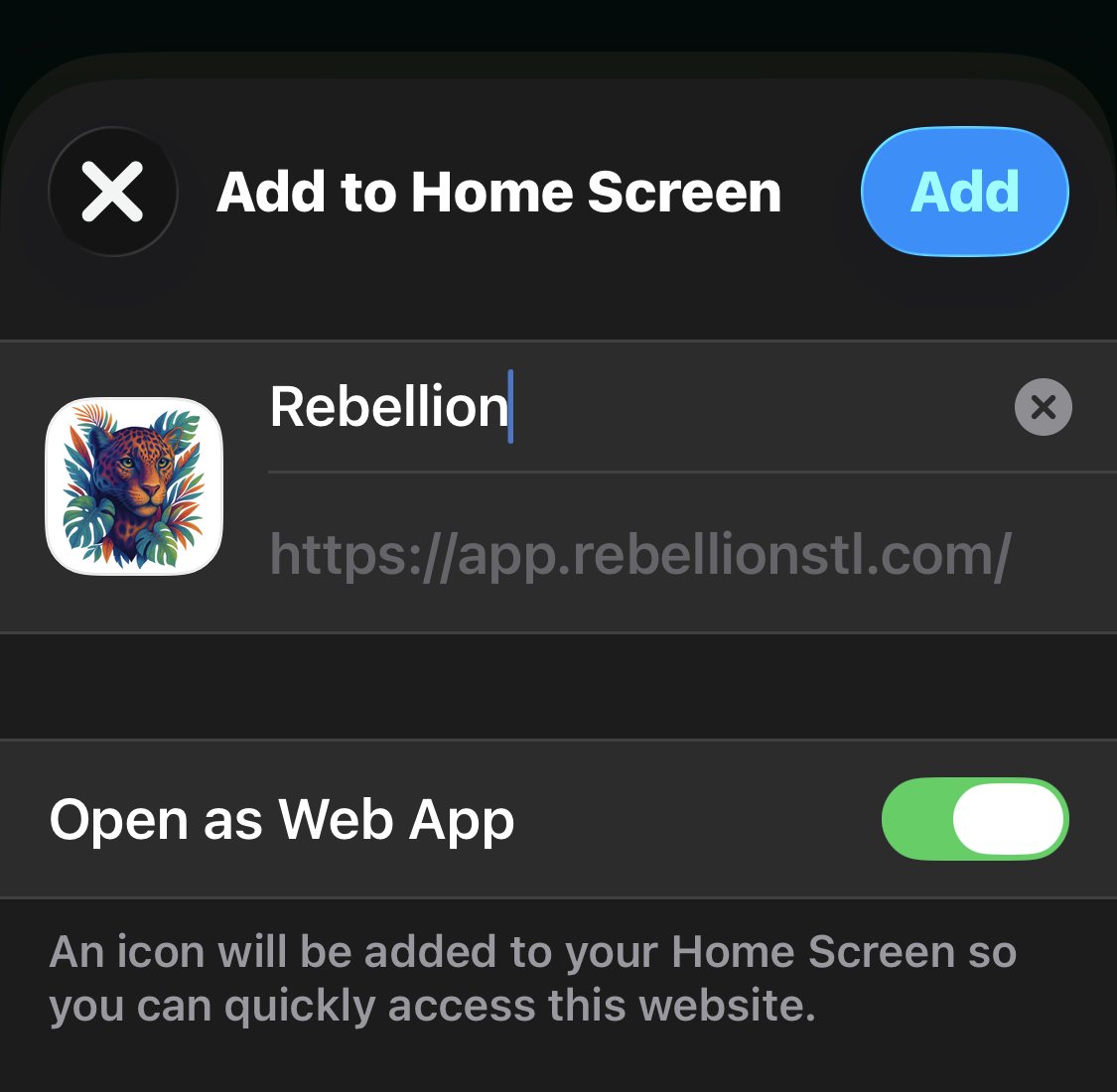
- Tap Add, at the top right. That's it, it's on your home screen like any other app.
Stuck? Text Mark on 314-913-6444 and he'll walk you through it.